TableLift. Lift any table off a web page into Excel, CSV, or Markdown.
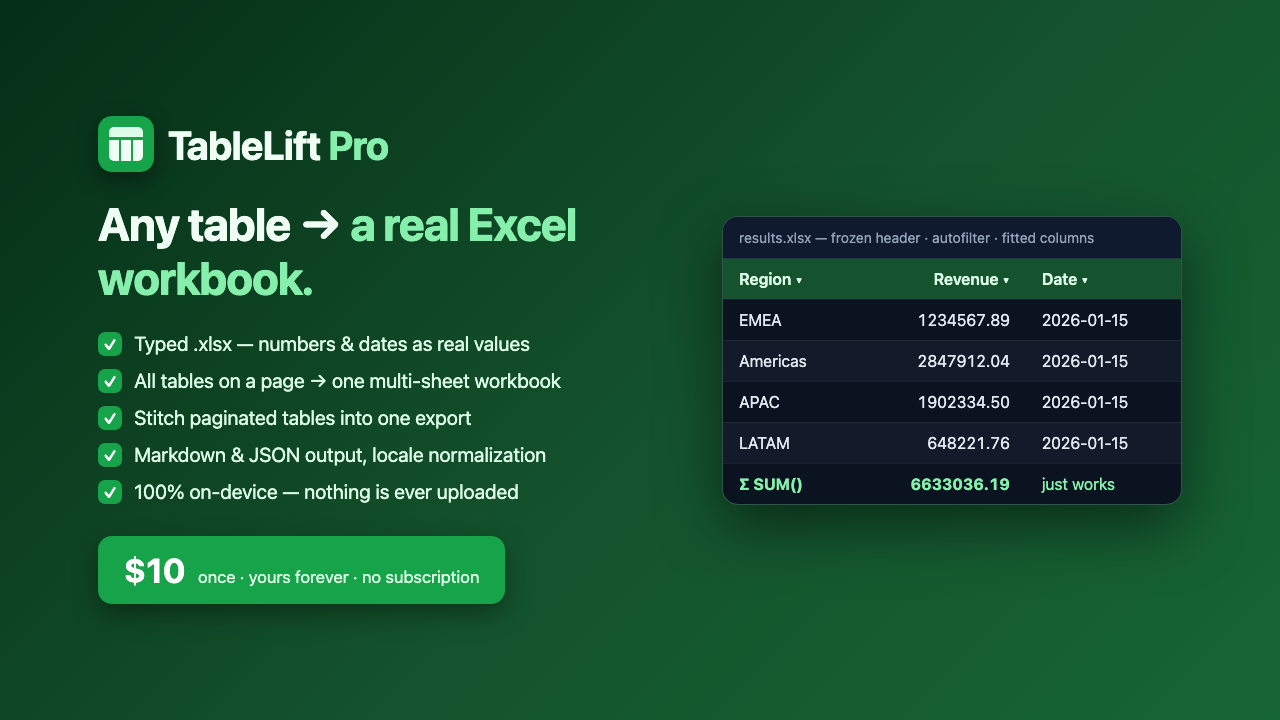
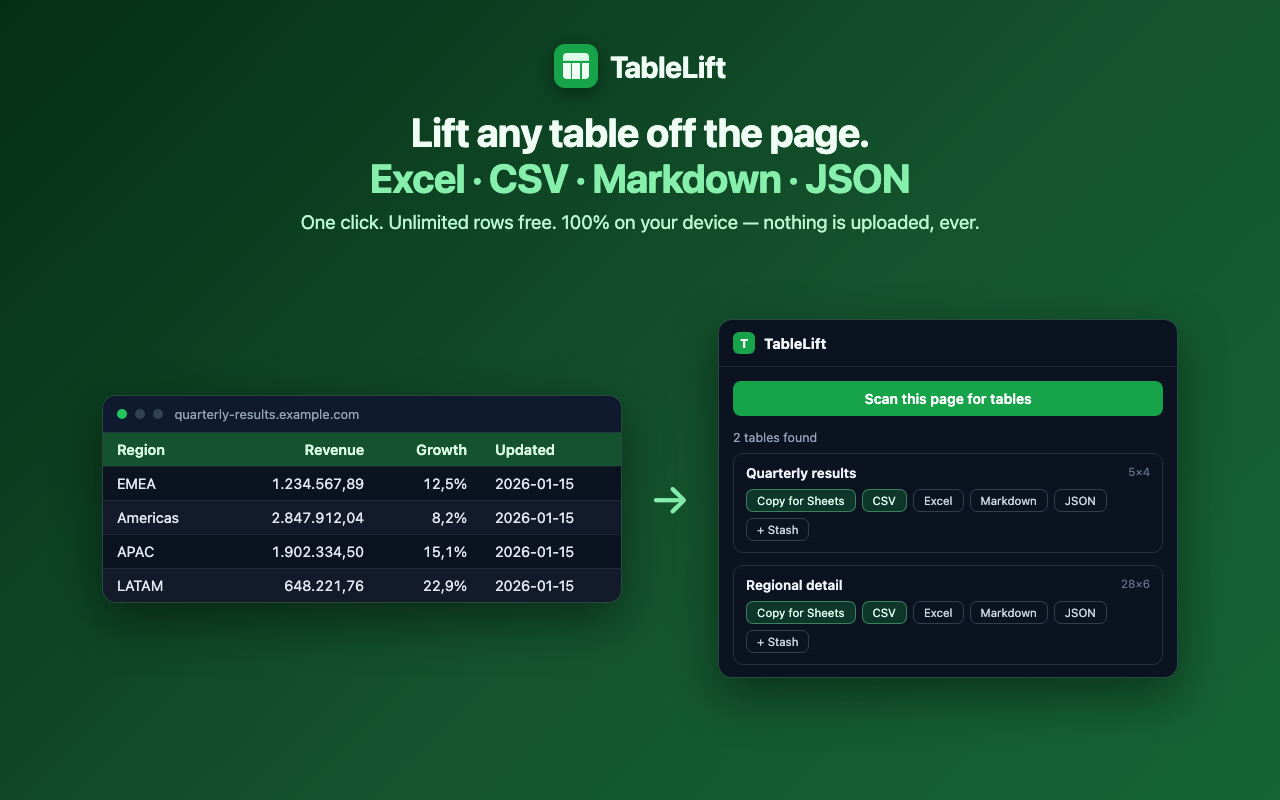
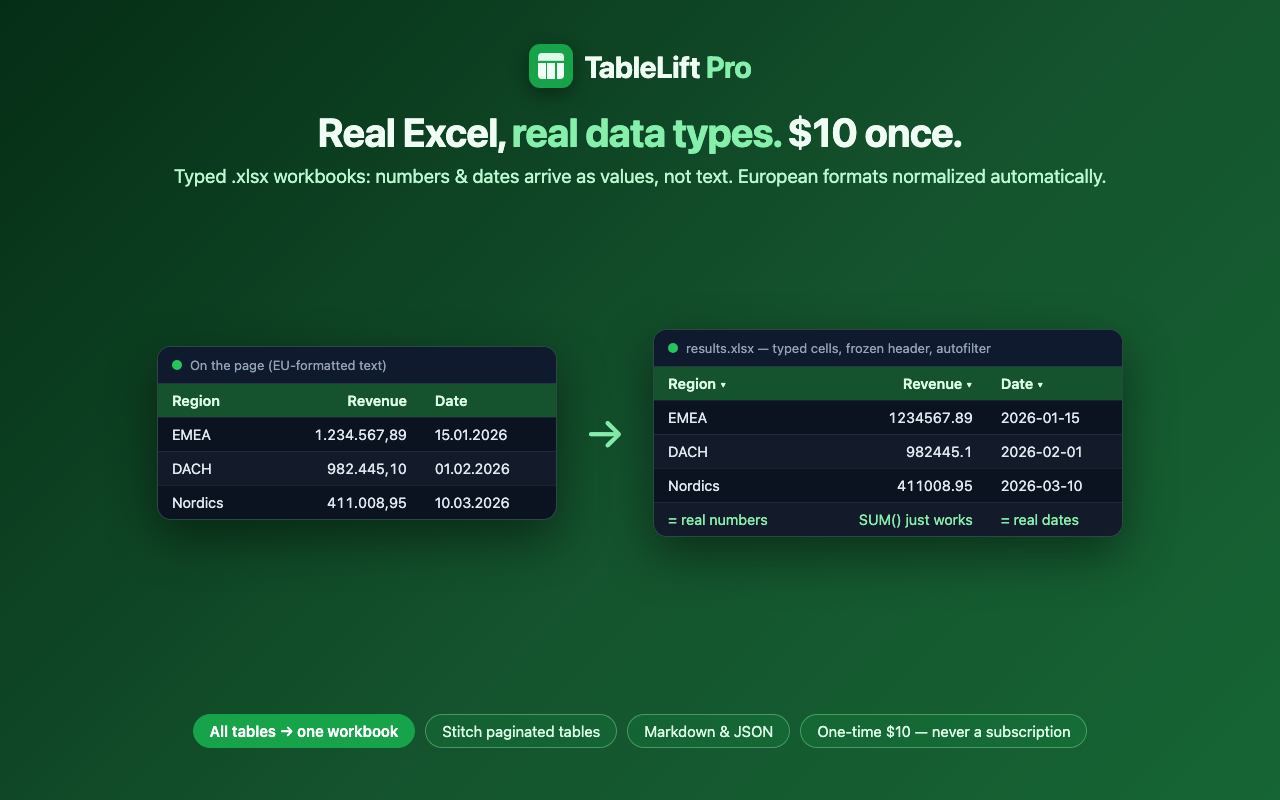
TableLift copies web tables the way you actually want them: real Excel files with proper number and date types, clean CSV, or Markdown, with no row limits and no subscription. Pro exports every table on a page into one multi-sheet workbook, stitches paginated tables together with append mode, and normalizes locale formats like 1.234,56 into numbers Excel understands.
Live on the Chrome Web Store
100% on-device
Free tier · Pro $10 one-time
Free vs Pro
Free
- Grab any table from the current page
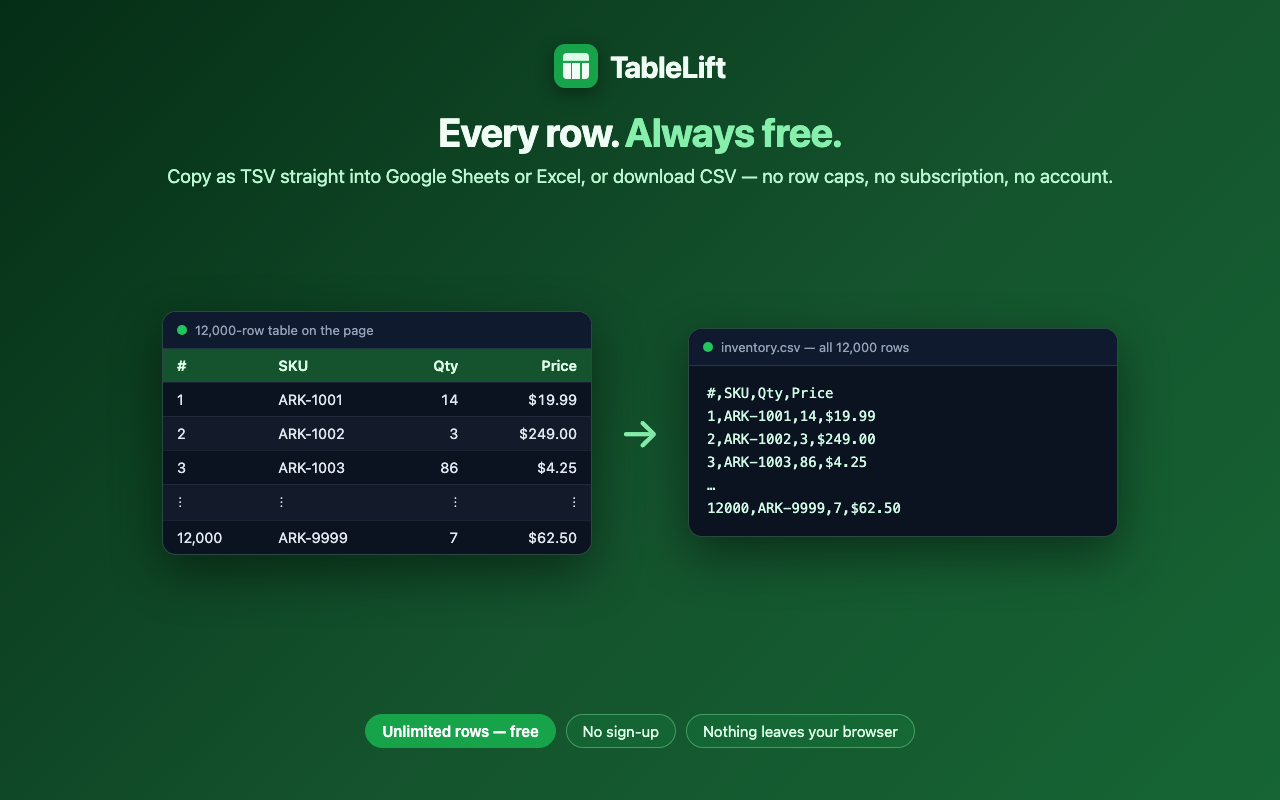
- CSV and clipboard (TSV) export with no row limits
- Clean column handling that survives messy markup
Pro — $10 one-time
- True Excel (.xlsx) export with real number and date types
- All tables on a page as one multi-sheet workbook
- Append mode for paginated tables, Markdown and JSON output, locale-aware normalization, batch and history
Screenshots
How to use TableLift
Open any page with a table and click the TableLift icon.
Pick the table you want from the detected list (or grab them all with Pro).
Choose your format: Excel, CSV, Markdown, JSON, or straight to the clipboard.
For multi-page tables, use append mode to stitch pages into one export.