Stamp. Bates numbering and exhibit stamps for discovery, without Acrobat.
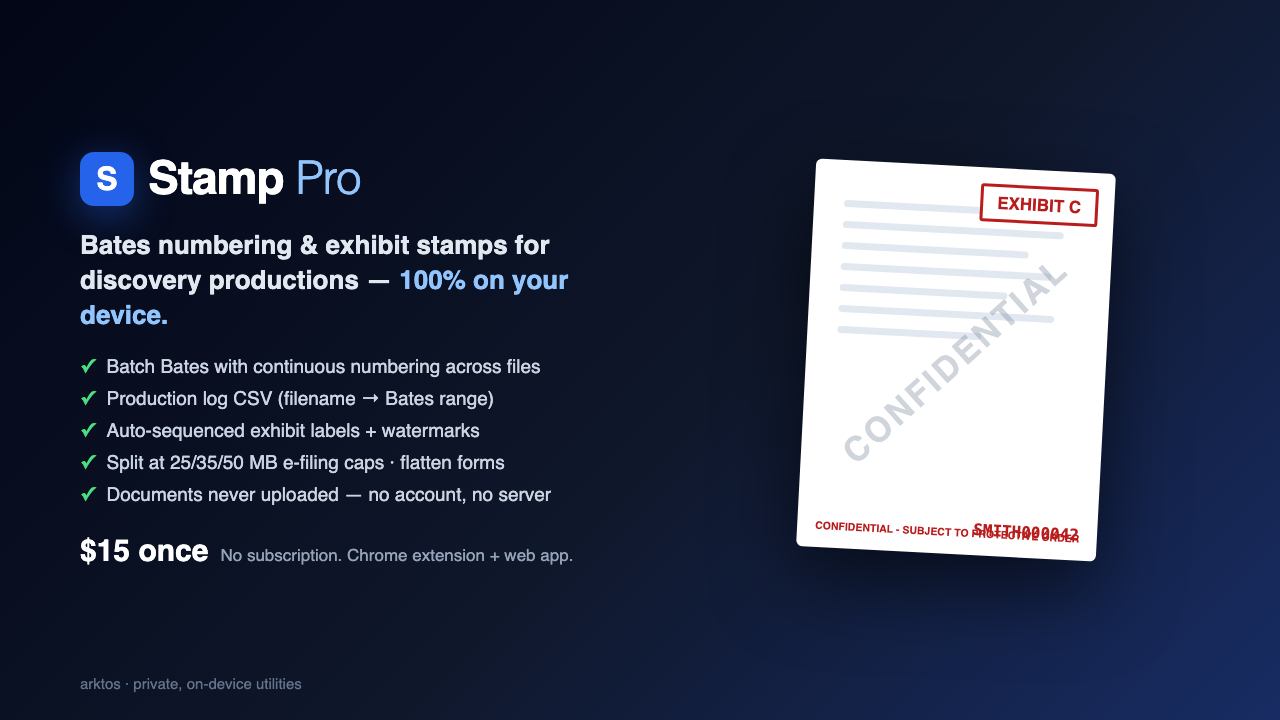
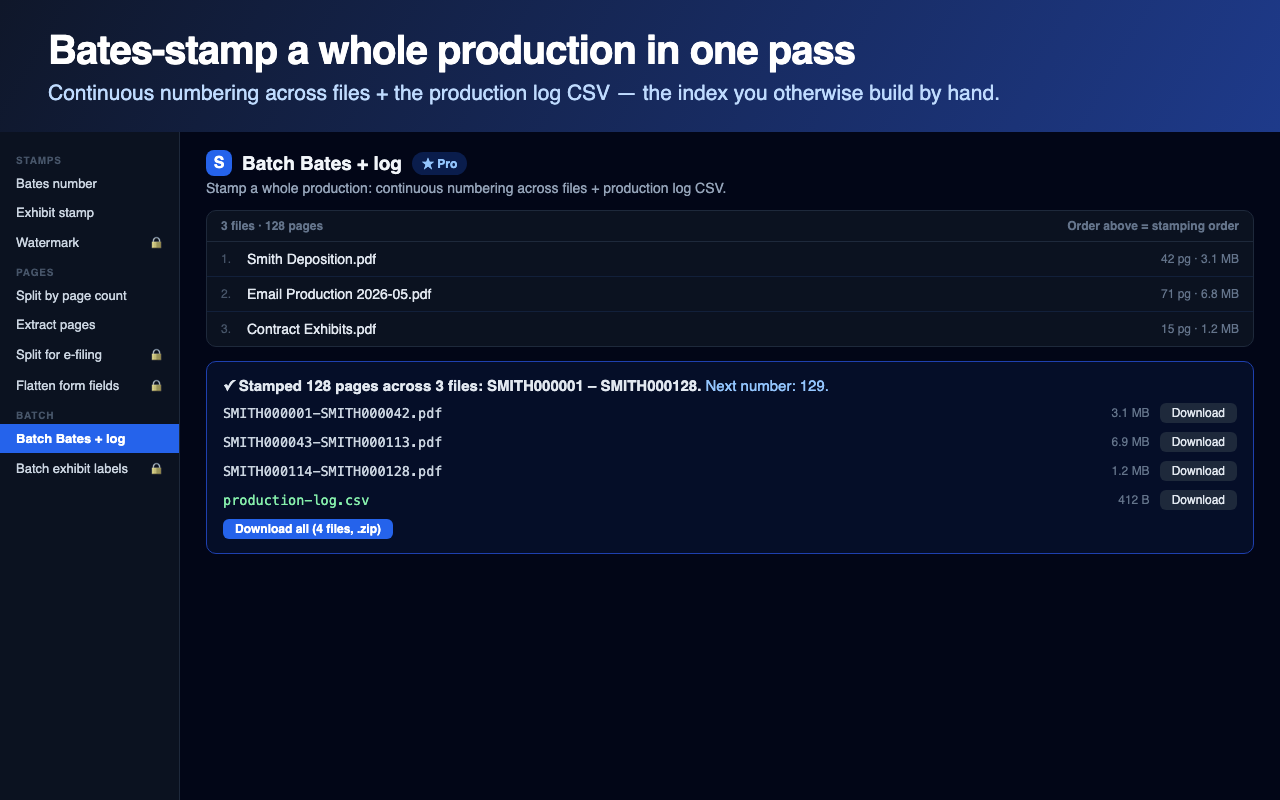
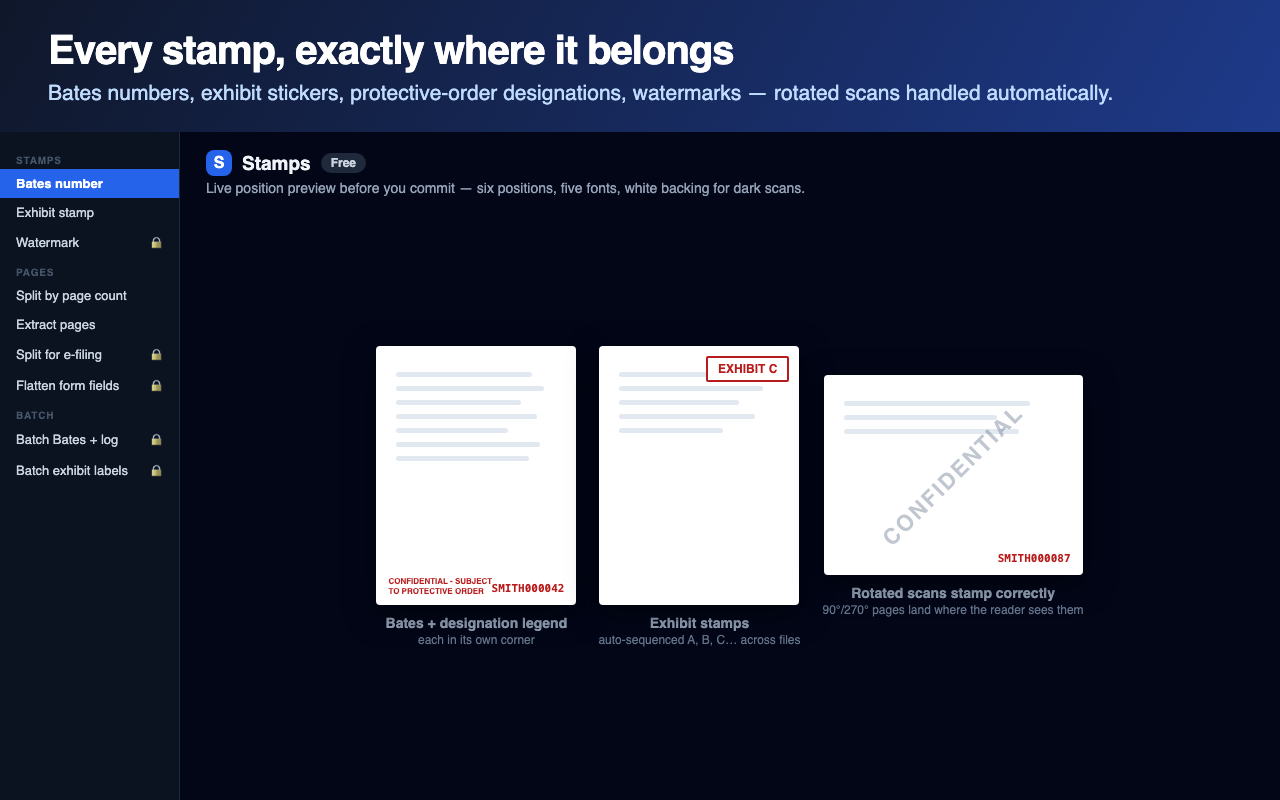
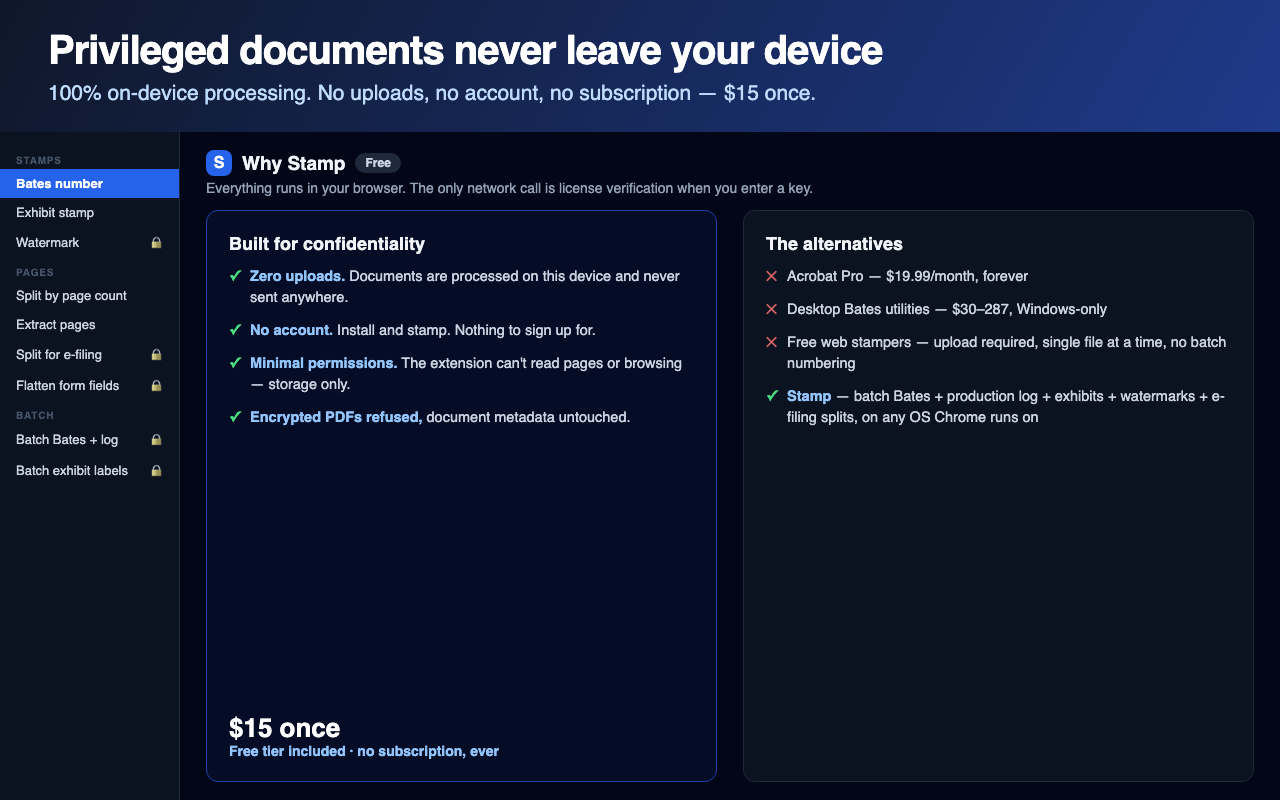
Stamp prepares discovery productions in your browser: sequential Bates numbers with your prefix and padding, classic bordered exhibit stamps, protective-order designation legends, CONFIDENTIAL watermarks, page extraction, and splitting at court e-filing size caps. Pro stamps a whole production at once with continuous numbering carried file to file, and writes the production log CSV you would otherwise build by hand. Rotated scans stamp correctly, and encrypted PDFs are refused rather than silently modified.
Free vs Pro
Free
- Bates-stamp a single PDF: prefix, start number, padding, six positions, five fonts, white backing for dark scans
- Exhibit stamp with the classic sticker border
- Split by page count, extract page ranges
Pro — $15 one-time
- Batch Bates across unlimited PDFs with continuous numbering + production log CSV
- Auto-sequenced exhibit labels (A, B, C… or 1, 2, 3…) across files
- Designation legends, watermarks, e-filing size splits, flatten form fields, saved templates
Screenshots
How to use Stamp
Drop a PDF (or a whole production of them) onto Stamp.
Set your prefix, start number, and position. The live preview shows exactly where the stamp lands.
For batches, order the files; numbering carries continuously from one file to the next.
Run, then download stamped PDFs plus the production log CSV, or grab everything as one zip.